

ESA CNC Press Brake Manual (2026): How To Find User Guides Fast
ESA CNC press brake downtime rarely starts with a broken part. More often, it begins with a small question—an unfamiliar alarm, a missing parameter value, or a menu you have not used in months—followed by one frustrating reality: the correct controller manual is not in reach when you need it.
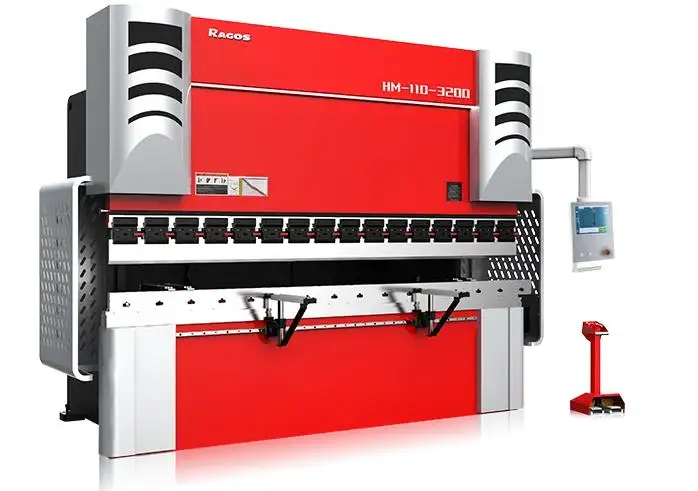
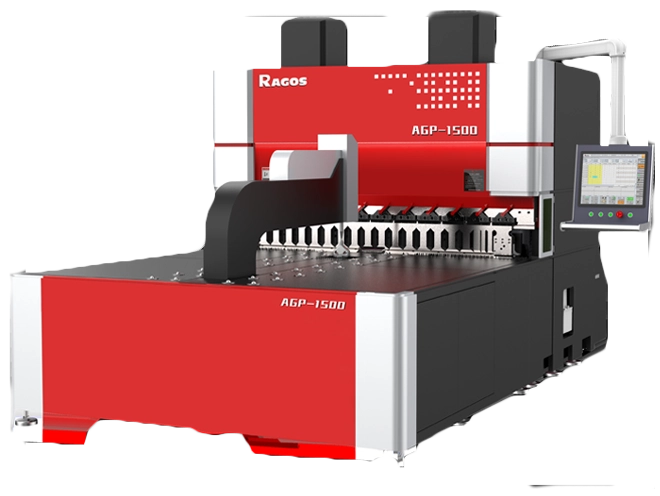
At JS RAGOS, we build CNC press brakes for workshops that demand stable bending, repeatable accuracy, and control systems operators can run with confidence. In real production, strong mechanics are only half the story. The other half is documentation—clear user guides that help teams install correctly, work safely, and troubleshoot with evidence instead of guesswork.
This 2026-ready guide explains how to find ESA controller manuals quickly, how to verify you are downloading the right version, and how a simple “manual-first” habit can reduce repeat errors across shifts.
Why the ESA CNC Press Brake Manual Matters in Daily Production
A press brake job may look simple from the outside: clamp the tools, position the sheet, make the bend. But the control system decides whether your day feels smooth or chaotic. That is why an ESA CNC press brake manual is not “just a PDF.” It is a practical tool that protects output quality, reduces scrap, and lowers stress during urgent setups.
A good controller manual typically covers:
✅ Safe startup sequence and referencing logic
✅ Screen functions and the correct operating flow
✅ Parameter definitions and adjustment guidance
✅ Alarm codes, likely causes, and step-by-step checks
✅ Maintenance routines, calibration notes, and safety warnings
When operators use the manual as a normal part of work—rather than a last resort—small mistakes become less frequent. Over months, the impact is measurable: fewer stops, fewer wrong settings, and more consistent parts off the brake.
How to Find ESA User Guides Fast Without Wasting Time
The fastest method is not random searching. It is using one organized library that groups documents by model and version. Your goal should be a “two-minute job,” not a half-hour hunt.
A practical ESA manual library that collects documents in one place is here (copy and paste):
If your shop runs multiple machines, save that page in a shared “maintenance bookmarks” folder. It helps night shifts, new operators, and anyone troubleshooting under pressure. For an ESA CNC press brake line, consistency in where manuals live is a productivity advantage.
How to Download the Correct Manual Without Version Confusion
Most manual mistakes come from one issue: downloading a file that is “close enough,” but not correct for your controller generation or firmware. The fix is simple—confirm the model, confirm the version, then download.
Step 1: Identify the Exact Controller Model
Use one of these sources:
• Controller label on the front panel
• Electrical cabinet sticker
• HMI screen: About / System / Info (naming varies by model)
• Write the model exactly as shown (for example: S860, S875, S800, S640, S630, S600).
Step 2: Match the Model Name in the Library
Open your manual library and find the section that matches your controller. Avoid “similar model” downloads. On an ESA CNC press brake, menu logic can look familiar between families, but parameter lists and alarm descriptions may differ in important ways.
Step 3: Confirm the Manual Version
If multiple PDFs exist for one controller family:
• Choose the version that matches your system notes (if shown)
• Prefer manuals with clear version labeling
• Treat “minor” differences seriously (especially alarms, axis referencing, tool library behavior)
Keep it simple, so anyone can find the right file quickly:
• Machine Asset Number (PB-01, PB-02…)
• Controller Model (S860, S640…)
• Manual + Parameter Notes + Maintenance Checklist
This turns the manual into a shop tool, not a personal file on one computer.
Step 5: Search Inside the PDF Like a Technician
Use Ctrl+F and search by the terms you actually see on-screen:
• Alarm number (or code text)
• Parameter name
• Axis label (X, R, Z1/Z2, Y1/Y2)
• “Homing,” “Reference,” “Limit,” “Backgauge,” “Calibration”
That habit shortens troubleshooting time and reduces risky trial-and-error.
Common ESA Controller Families in Press Brake Applications
Many workshops see the same ESA families across different years, machine builders, and retrofit projects. Knowing what you have makes training faster, because menu structure and alarm logic often follow a familiar pattern.
• ESA S860
A modern CNC control platform often associated with higher precision features and deeper programming options. It is a common choice when shops want stronger programming depth and more refined control of bending processes.
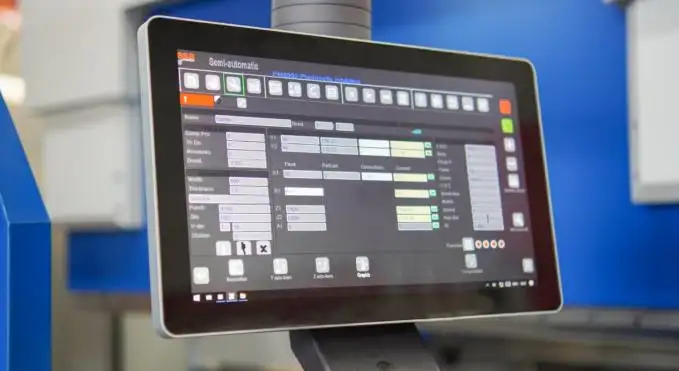
• ESA S875
A higher-end CNC controller typically selected for more demanding bending work where advanced programming structure and smoother multi-step workflows matter. It is often paired with larger or more automated press brakes where setup repeatability and process clarity reduce operator load.
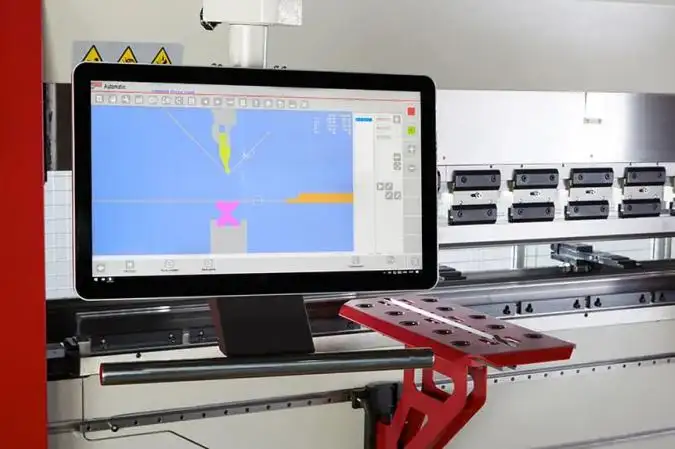
• ESA S800
A capable controller positioned for shops that want strong press brake functionality without moving into the most complex programming environment. It is commonly favored for stable production needs, practical cycle programming, and a user experience that helps new operators become confident faster.
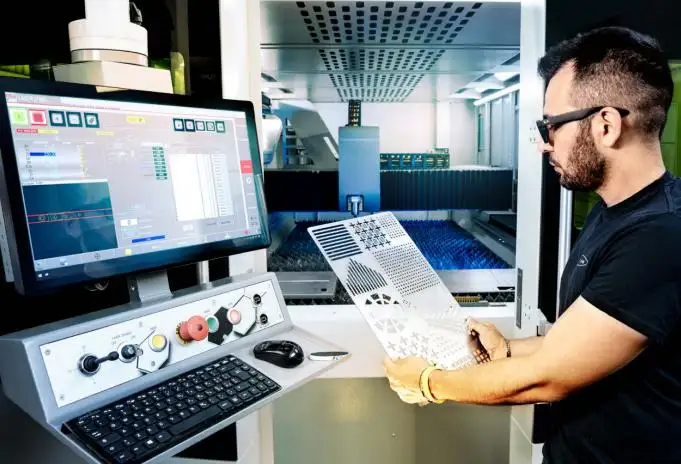
• ESA S630
Common in press brakes and shearing systems where workshops need practical capability with a learning curve that feels manageable. It often supports stable day-to-day operation while keeping menus understandable for mixed-skill teams.
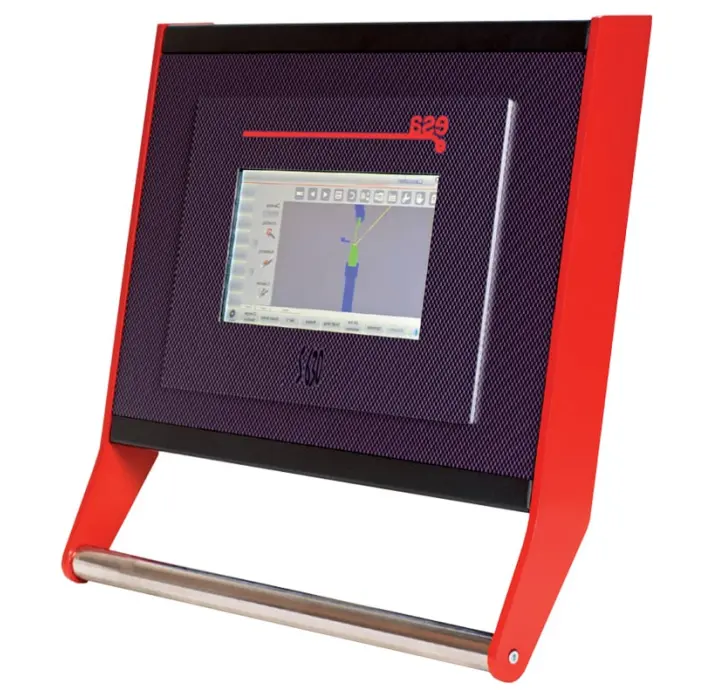
• ESA S640
A robust solution used across metalworking equipment, often chosen for stable workflows and reliable daily operation. For multi-machine shops, it can be a strong “transferable skills” controller because operators who understand its menu logic tend to adapt quickly to similar ESA interfaces.
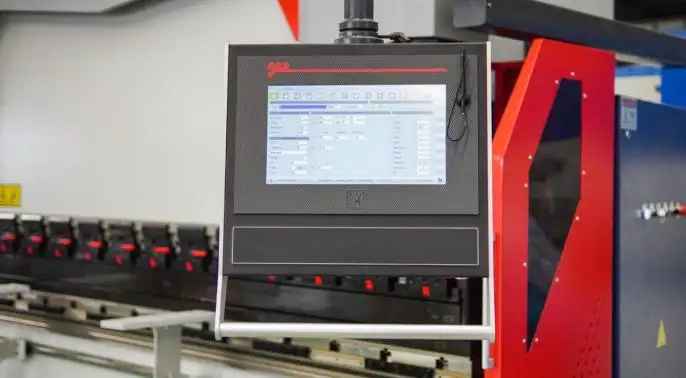
For a JS RAGOS customer, this matters because controller understanding becomes transferable. When operators learn menu logic, tool setup thinking, and alarm-handling discipline on one ESA CNC press brake, they can move between machines with less training time and fewer mistakes.
How Manuals Reduce Downtime and Improve Safety
In most bending lines, downtime is not a dramatic failure. It is a small decision that goes wrong:
• A parameter changed without a record
• A tool setup step skipped under pressure
• A referencing sequence misunderstood
• An alarm cleared without confirming the cause
This is where the ESA CNC press brake manual pays for itself. It creates a shared reference point that keeps actions consistent—even when the job is urgent or the shift is new.
When your team treats the manual as a first step—not a last step—you gain real production advantages:
✅ Faster fault-finding with organized troubleshooting paths
✅ More repeatable bending results through correct setup and referencing routines
✅ Safer daily operation by following approved sequences and safety notes
✅ Smarter use of advanced functions after stable fundamentals
✅ Lower total cost as recurring mistakes and stops decline
An often-missed benefit is teamwork. A shared manual creates a shared language, so issues are explained accurately and solved faster. Instead of “the machine is acting strange,” the conversation becomes “Alarm X appeared after referencing,” or “Parameter Y changed during tool setup and needs restoring.” That clarity alone can save hours over a month.
How to Build a Manual-First Habit in a Real Workshop
The fastest teams are not always the most experienced. They are the teams with habits that hold steady under pressure. A manual-first approach is not bureaucracy. It is a production discipline that protects quality.
Here is a simple workflow we recommend for every ESA CNC press brake line:
✅ Use the manual during installation and first tool setup, not after mistakes
✅ Keep a shared “Common Alarms” note that links to specific manual sections
✅ Review one feature monthly (tool library, bend sequence, calibration, referencing)
✅ Train new operators with a checklist, not only verbal instruction
✅ Record parameter changes: date, reason, and who approved the change
This approach reduces reliance on a single “hero operator,” which is a common hidden risk in many factories. It also helps management: when issues repeat, you can trace them back to a process gap instead of guessing.
What JS RAGOS Recommends for ESA CNC Press Brake Teams in 2026
At JS RAGOS, we design CNC press brakes to be production-ready: stable frame behavior, predictable motion, and operator-friendly control layouts. But real performance shows up when mechanical stability is matched with correct controller usage. The manual is the bridge between “the machine can do it” and “the operator can do it every day.”
If you want your line to run smoothly in 2026, treat the manual as part of the machine—not an accessory. Make it easy to access, easy to trust, and easy to use.
✅ CTA: Need a Faster Setup Routine for Your ESA CNC Press Brake?
If you are evaluating a new CNC press brake, upgrading an older line, or training operators to reduce downtime, JS RAGOS can support you with practical configuration guidance and operator-focused documentation habits. Send your controller model (S860/S875/S800/S640/S630/S600), bending length and tonnage, and your main product type—then we will recommend a setup and training path built for real production.
When manuals are fast to find and consistently used, your press brake stops being a daily troubleshooting project and becomes what it should be: a stable, profitable bending system.