

Press Brake With ESA Controller: What Operators Should Adjust Safely
Press Brake With ESA Controller operation becomes far more reliable when operators understand which settings can be adjusted safely and which ones should remain protected. At JS RAGOS, we believe that stable bending results do not come from trial and error. They come from controlled adjustments, clear logic, and a machine-control structure that protects the factory baseline while still giving operators room to fine-tune daily performance.
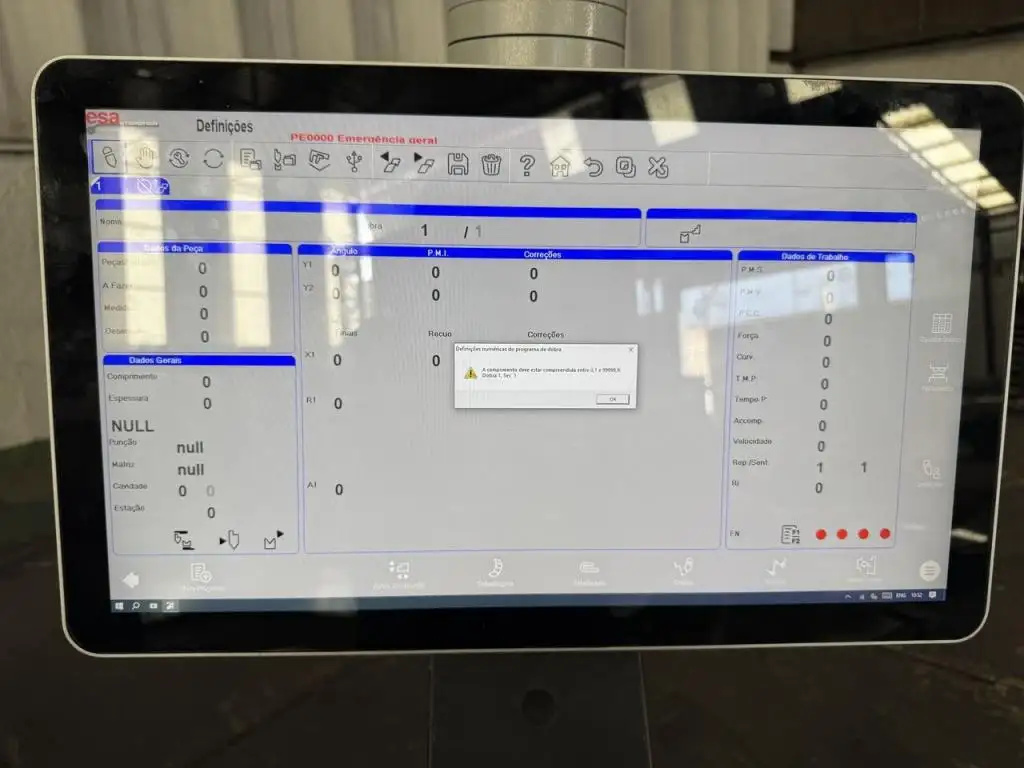
For many workshops, the ESA S875 User Parameters Mask is one of the most practical examples of that philosophy. It gives the operator access to selected, editable parameters without opening the protected factory area. That matters because a press brake may gradually develop small mechanical deviations over time. Guides wear. Ram behavior changes slightly. Resetting heights may drift by a fraction of a millimeter. When that happens, operators need a safe correction path rather than direct access to core machine data.
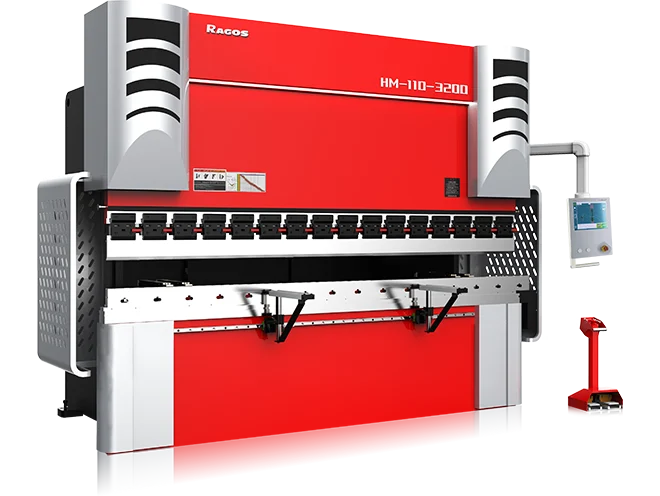
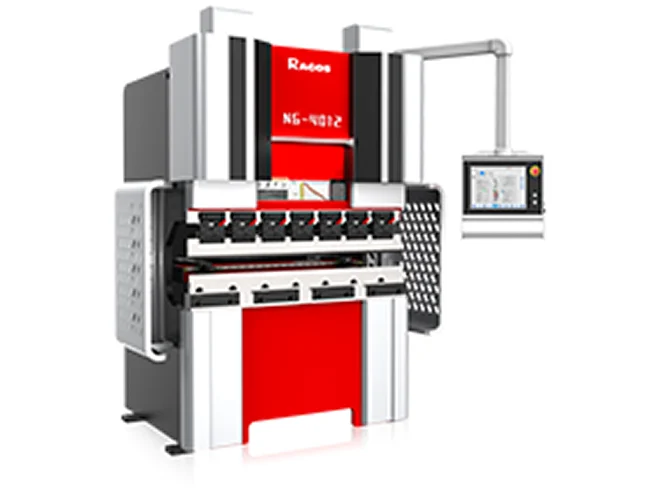
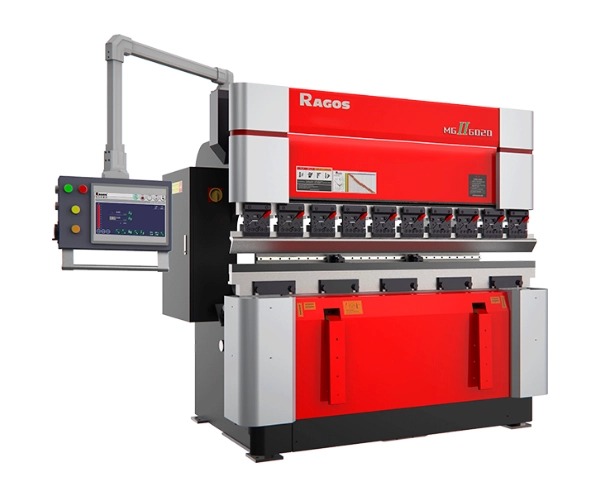
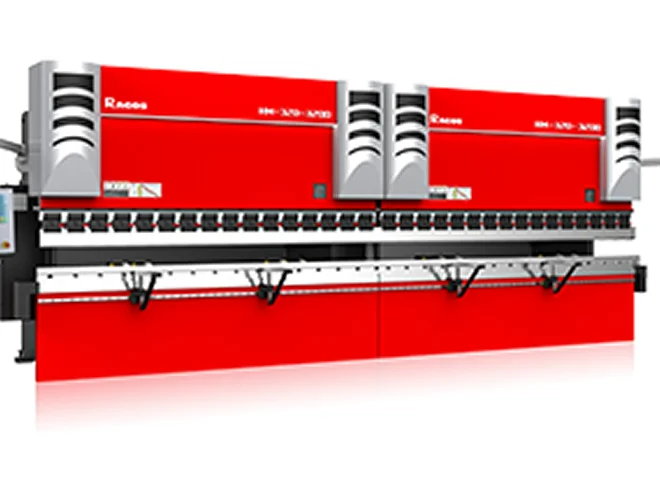
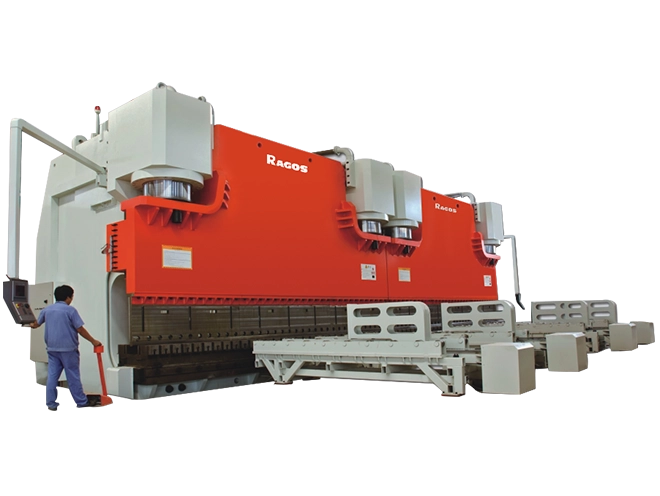
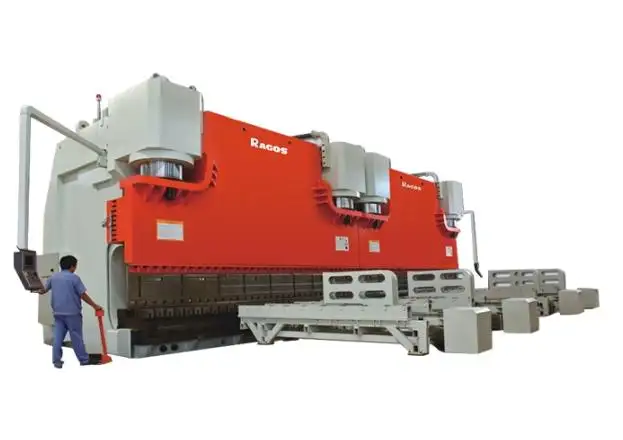
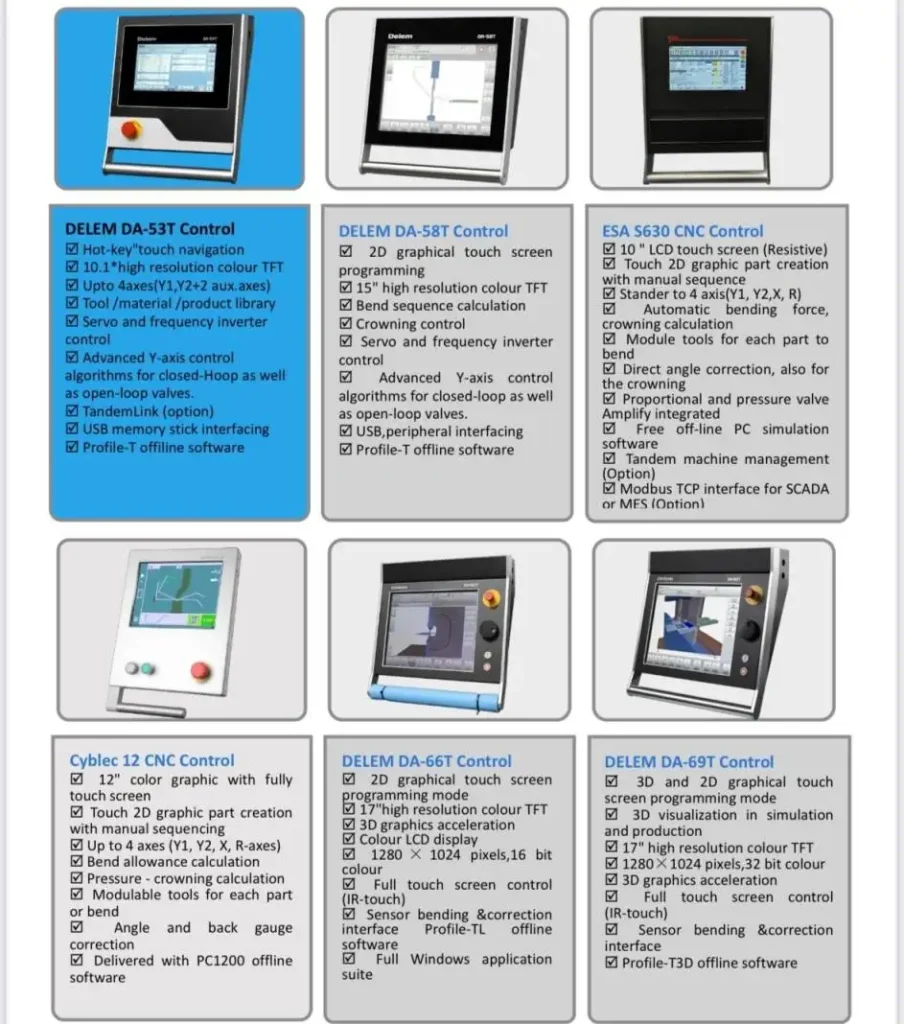
At JS RAGOS, we integrate controller options such as ESA across different press brake configurations, including tandem models, so customers can match control capability to production demands instead of forcing one control style onto every application. JS RAGOS also offers press brake ranges from 40T to 600T, which is useful for buyers planning around material thickness, part size, and future production scale.
Why Safe Adjustment Matters On A Press Brake With ESA Controller
A modern Press Brake With ESA Controller is not only a forming machine. It is a precision system that combines frame stability, hydraulic consistency, backgauge movement, and controller logic. If operators change protected values carelessly, the result can be more than a bad bend. It can affect repeatability, reset behavior, and troubleshooting traceability.
The value of the ESA S875 User Parameters Mask is simple: it creates a controlled layer for operator-side corrections.
• It allows selected parameter adjustment without entering protected factory settings
• It helps compensate for small mechanical wear over time
• It protects the original machine reference values
• It supports more stable daily production without unnecessary recalibration
This approach is especially useful for factories that want predictable output across shifts. The original baseline remains unchanged, while the controller applies the required correction offset. That is a safer method for long-term equipment management.
What The ESA S875 User Parameters Mask Is Designed To Do
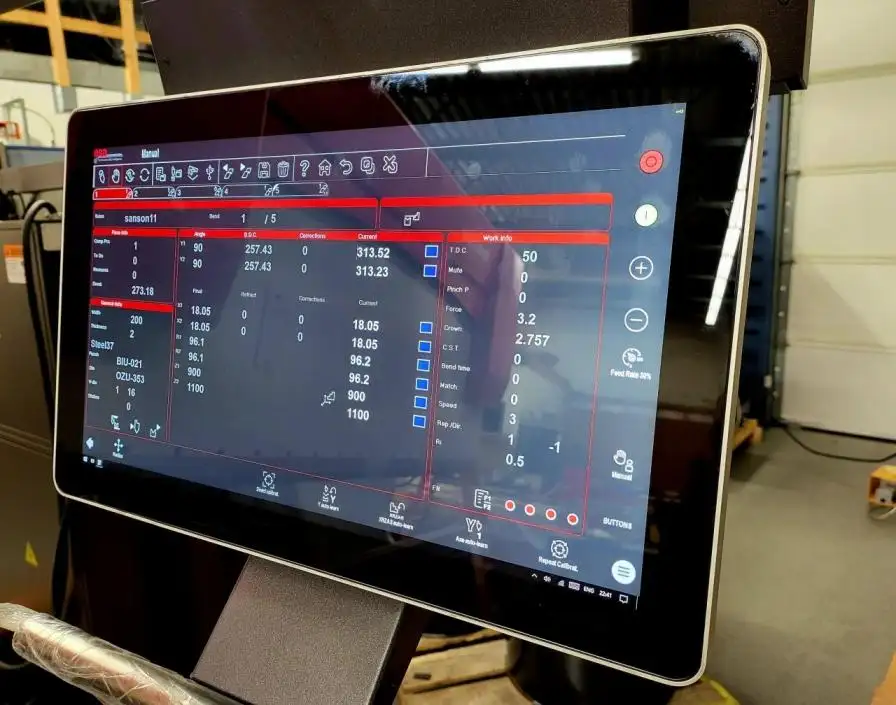
The ESA S875 User Parameters Mask is intended for user-level changes only. In simple terms, operators can adjust selected values without affecting the protected machine parameter area, which remains isolated from unintended changes.
The access steps are easy to follow:
• Open the Settings mask
• Press the Menu key
• Select User Parameters (4)
• Open the User Parameters Mask window
For companies training new personnel, this is an important operational benefit. It shortens the learning curve while preserving system discipline.
For readers who want to review official ESA materials, ESA provides a product download area for documents and related resources.
How To Correct Y1 And Y2 Safely
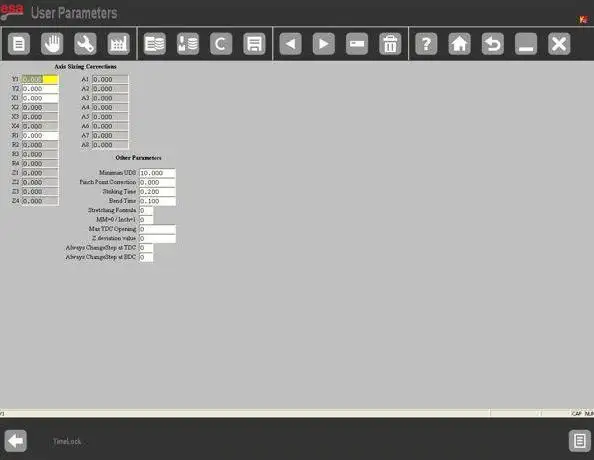
One of the most useful adjustment areas in the User Parameters Mask is axis calibration correction. This is where operators can compensate for small differences between the original resetting height and the actual measured value.
The logic is important. The operator should enter the correction value, not overwrite the factory reference.
For example, the original factory heights may be:
• Y1 = 230.93 mm
• Y2 = 230.09 mm
After long-term operation, measurement may show that the real machine condition has shifted slightly:
• Y1 needs -0.09 mm
• Y2 needs +0.10 mm
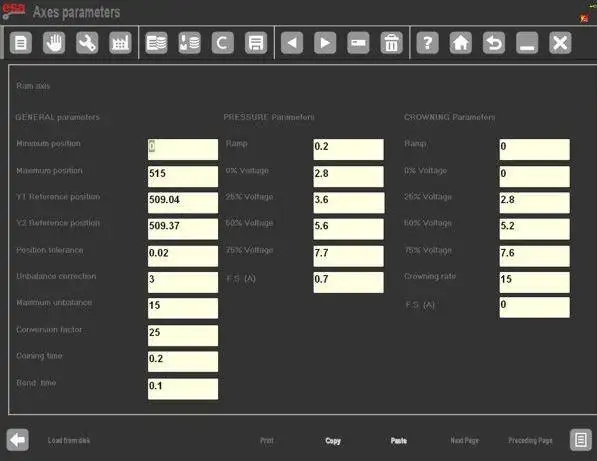
These values are entered directly as offsets in the User Parameters Mask. After that:
• The original factory data remain unchanged
• The controller applies the correction as an offset
• Y1 resets to 230.84 mm
• Y2 resets to 230.19 mm
This is why the feature is valuable. It acts as a compensation layer. For the operator, the practical benefit is clear: better reset accuracy without risking the integrity of the original calibration file.
A Good Rule Before Any Correction
Before entering any value, the operator should first confirm that the deviation is mechanical rather than procedural.
• Check whether the issue is caused by measurement error
• Confirm that tooling setup and program data are correct
• Measure the actual resetting height with reliable tools
• Apply only small, calculated corrections
This prevents the common mistake of using calibration offsets to hide programming or tooling problems.
How To Save The Adjustment Correctly
A correction is only useful if it is saved correctly. After entering the new values, the operator must press the save key. The updated data are then stored in UserTara.par.
That step matters because unsaved changes may disappear after restart. In production, that creates confusion. Operators may think the correction "did not work," when in fact it was never written into the storage file.
This save structure also improves accountability. It separates editable user adjustments from protected factory data. For maintenance teams, that makes troubleshooting more transparent.
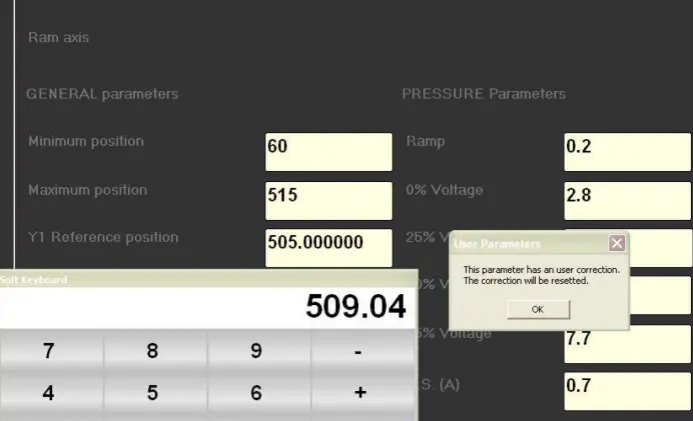
What Happens If Factory Data Are Updated Later
A strong control system must also prevent conflicts between user-side offsets and manufacturer-side baseline changes. The ESA logic includes that protection.
If the press brake manufacturer changes the factory resetting heights of the axes:
• The system detects the inconsistency
• A warning message appears
• The related user correction is automatically reset
• The axis returns to the updated factory reference
This is an important safeguard. It prevents an old offset from staying active against a newly updated baseline. From the customer's perspective, that means better traceability and lower risk during servicing, software updates, or machine handover between maintenance teams.
What Clients Gain From A Well-Matched JS RAGOS Solution
At JS RAGOS, we do not view controller selection as a catalog checkbox. We treat it as part of the production strategy. A Press Brake With ESA Controller is most valuable when the machine frame, tonnage class, and control logic are aligned with the customer's actual workload.
That creates practical benefits for buyers:
• Easier operator training through structured control access
• Safer correction workflow for daily production stability
• Better repeatability when small mechanical wear appears
• Lower risk of damaging protected factory parameters
• More confidence when scaling from simpler jobs to advanced bending tasks
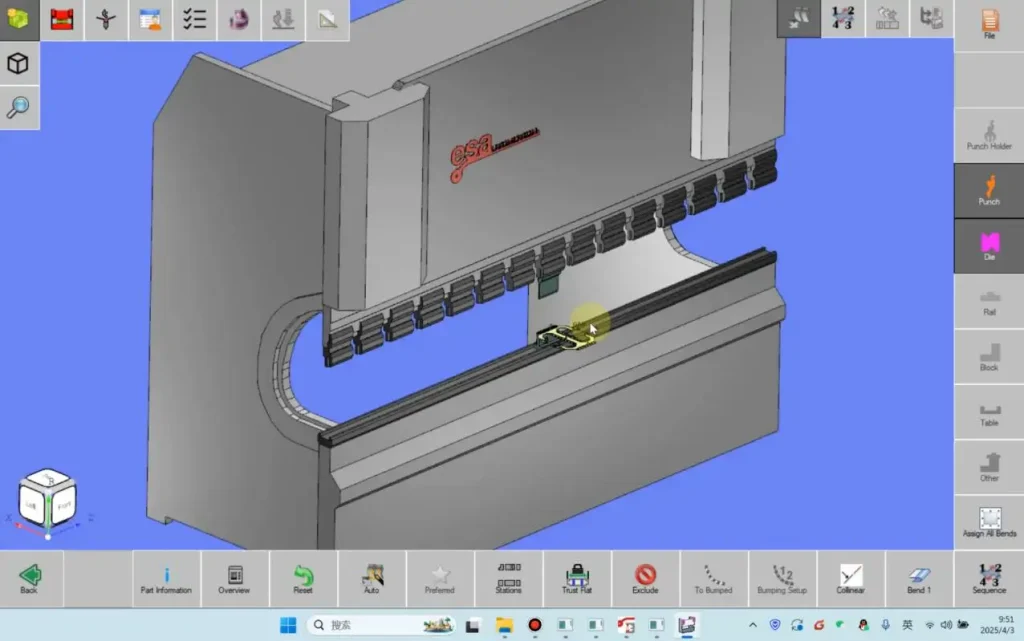
JS RAGOS offers controller options including ESA on multiple machine types, and its tandem press brake line supports applications requiring extra-long part handling or flexible two-machine operation. For workshops evaluating suppliers, that kind of configuration flexibility is often more useful than choosing a machine based on headline specifications alone.
If your team is evaluating a Press Brake With ESA Controller and wants a machine that balances control safety, bending accuracy, and long-term serviceability, JS RAGOS can help you assess the right tonnage, controller configuration, and support plan for your production goals. You can review JS RAGOS press brake resources or contact the technical team directly for model selection and application guidance.