

Cybelec CT12 CNC Press Brake: Practical Features and Use Cases
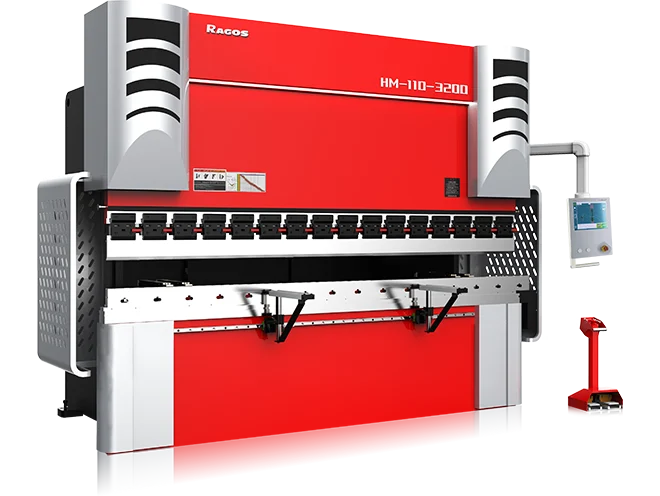
The Cybelec CT12 CNC press brake is an advanced numerical control system designed to streamline metal bending operations through a high-performance touch interface and 2D graphical visualization. It serves as a mid-range powerhouse, bridging the gap between basic controllers and high-end 3D systems. The CT12 excels in precision by managing up to four axes (plus crowning) and offering a "Touch-and-Draw" feature that allows operators to sketch parts directly on the screen. For manufacturers, this translates to reduced setup times, fewer scrap pieces, and a shorter learning curve for new operators. Whether you are performing simple bends or complex sequences, the CT12 provides a stable, user-friendly platform that optimizes the mechanical capabilities of the press brake.
What are the Key Features of the Cybelec CT12?
The Cybelec CT12 is defined by its 15-inch high-resolution color touchscreen, which acts as the central hub for all fabrication data. Unlike older, text-based systems, the CT12 uses a graphical interface that shows the operator exactly how the part should be positioned at every stage of the bend.
Key technical highlights include:
- Intuitive Programming: The "Touch-and-Draw" profile allows you to create parts by simply drawing lines on the screen.
- Automatic Bend Sequencing: The software calculates the most efficient order of bends to prevent collisions with the machine or tooling.
- USB & Networking: Easy data backup and program transfer via USB ports or Ethernet connection.
- Multi-Axis Control: Standard configuration handles Y1-Y2 (ram depth) and X-R (backgauge) axes, with optional support for crowning systems to ensure straight bends over long distances.
How Does the CT12 Improve Production Efficiency?
Efficiency in a fab shop is measured by how quickly you can move from a blueprint to a finished part. The CT12 minimizes "dry runs" because the 2D simulation alerts the operator to potential errors before the metal even touches the die.
By integrating this controller, shops can achieve higher consistency. If you are currently using a ESA S630 Press Brake: Best Fit Applications and Setup Checklist, you will find the CT12 offers a more robust graphical experience, making it a "Best Fit" for shops transitioning from simple 1D entries to full graphical workflows.
Is the Cybelec CT12 easy for beginners to learn?
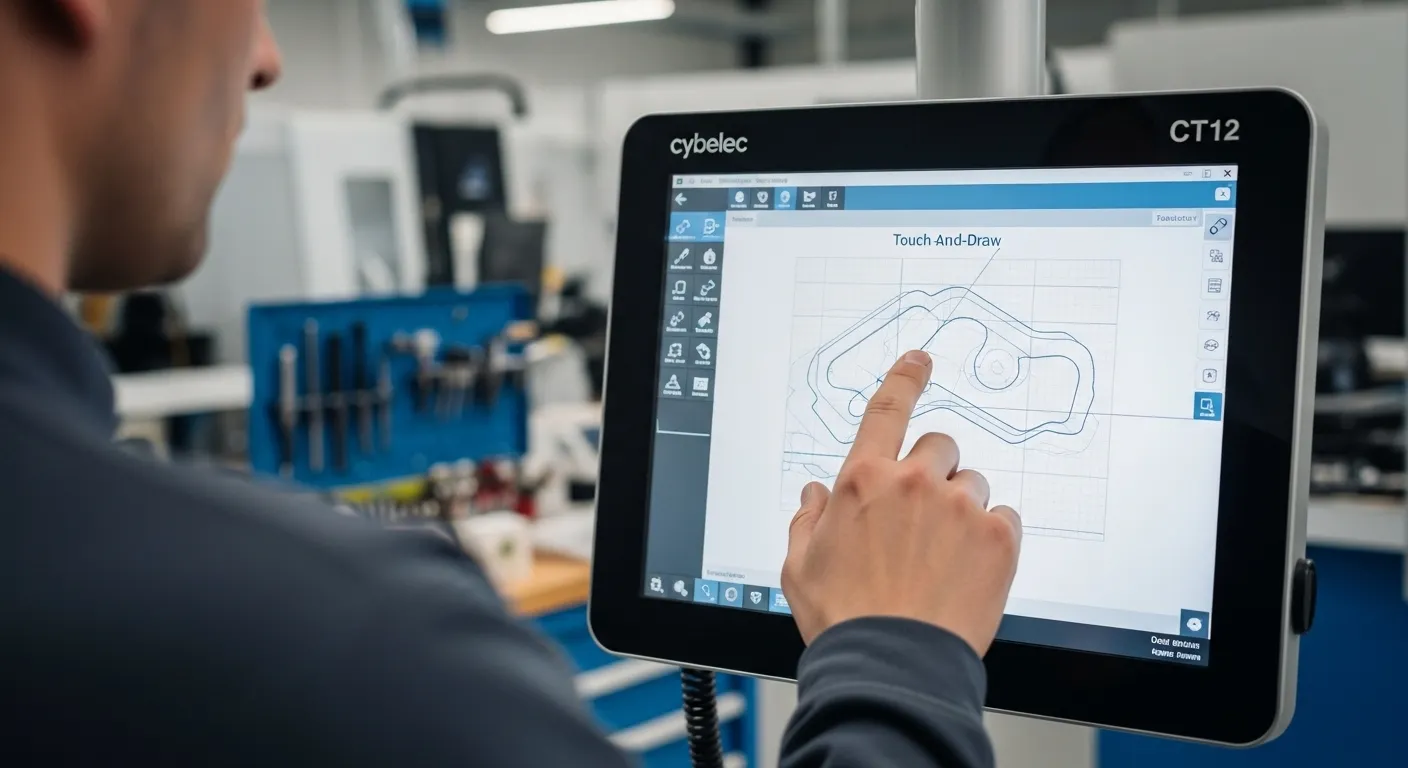
Yes, the Cybelec CT12 is designed with a user-centric interface that requires minimal training for basic operations. Most operators can learn to program a standard four-bend part within 30 minutes due to the icon-based navigation and visual prompts.
The software guides the user through a logical workflow: select tools, draw the part, and simulate the bend. If the operator makes a mistake in the sequence, the CT12 provides clear error messages rather than cryptic machine codes. This accessibility helps shops overcome the current skilled labor shortage in the manufacturing sector.
How many axes can the Cybelec CT12 control?
The Cybelec CT12 typically controls up to 4 axes as standard, covering the Y1/Y2 cylinder synchronization and X/R backgauge movements. It also manages the crowning system (V-axis) to compensate for machine deflection during heavy bends.
For shops requiring more complex movements, such as Z1/Z2 (finger width) or X-prime axes, you might consider an upgrade. For instance, looking at a Press Brake with Cybelec CT15 Controller: What to Expect in Daily Use might be necessary if your production requires 3D visualization or higher axis counts for specialized aerospace or medical components.
Comparing the Cybelec CT12 with Market Alternatives
Choosing the right controller depends on your typical workpiece complexity. Below is a comparison of the CT12 against other popular industry standards.
| Feature | Cybelec CT12 | ESA S630 | ESA S660W |
| Display Size | 15" Touch | 10" Touch | 19" Touch |
| Graphics | 2D Graphical | 2D Graphical | 3D Visualization |
| Max Axes | 4+1 | 4 | 4+ (Expandable) |
| Best For | Mid-range Versatility | Budget/Small Parts | High-end Production |
If you find that 2D graphics aren't enough for your complex assemblies, you may want to explore a Press Brake with ESA S660W Controller: Programming and Production Tips for full 3D simulation and advanced programming tips.
Best Use Cases for the CT12 CNC Press Brake
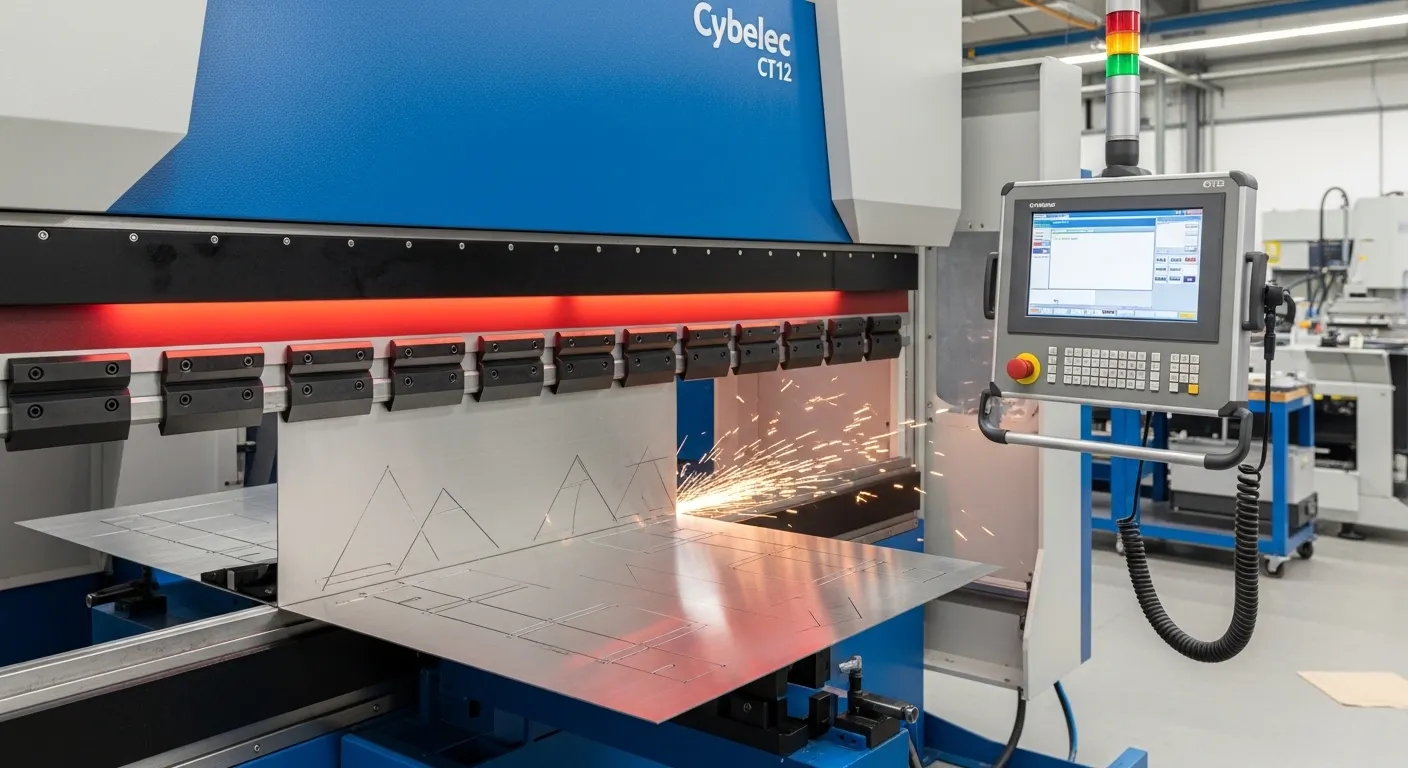
The CT12 is the "Goldilocks" of controllers—not too simple, not too complex. It is ideal for several specific scenarios:
- Job Shops: Where parts change five times a day. The fast setup time of the CT12 keeps the machine running rather than sitting idle during programming.
- Stainless Steel Fabrication: The precision crowning control is essential for high-aesthetic materials where over-bending or "canoeing" is unacceptable.
- Complex Multi-Step Bending: Parts requiring 6 or more bends benefit significantly from the CT12’s automatic sequence calculation.
Frequently Asked Questions
Yes, the CT12 supports the import of 2D DXF files, allowing you to bring part geometries directly from CAD software into the machine controller to save time.
Yes, Cybelec offers PC-based offline software. This allows engineers to program parts in the office and transfer them to the press brake via the network, ensuring the machine never stops for programming.
Crowning is a feature where the controller adjusts the lower bed or upper beam to compensate for the natural flexing of the machine under pressure, ensuring the bend angle is consistent from left to right.
Conclusion
The Cybelec CT12 CNC press brake is a robust solution for modern fabricators looking to balance sophisticated technology with ease of use. By providing a clear visual representation of the bending process, it empowers operators to work faster and with greater confidence.