

ESA S630 Press Brake: Best Fit Applications and Setup Checklist
The ESA S630 is a high-performance CNC controller designed specifically for synchronized hydraulic press brakes, providing an intuitive 10-inch touch-screen interface for managing up to 4+1 axes. At JSRAGO, we utilize the S630’s advanced 2D graphical editor and sophisticated bending algorithms to streamline complex metal fabrication, ensuring high-precision results for high-mix, low-volume production environments.
In our experience at JSRAGO, the transition to the ESA S630 has significantly reduced setup times for our clients. By integrating features like automatic bending sequence calculation and real-time crowning management, this controller bridges the gap between manual labor and full-scale automation. Whether you are retrofitting an older machine or commissioning a new synchronized brake, the S630 serves as the operational brain of the factory floor.
Technical Specification Snapshot
The ESA S630 provides a robust hardware platform that balances industrial durability with modern software flexibility. Below is the essential data we reference during machine commissioning at JSRAGO to ensure compatibility with various hydraulic and electric systems.
| Feature | ESA S630 Specification |
| Display | 10.4” High-resolution color touch-screen |
| Controlled Axes | 4 axes in any combination (e.g., Y1, Y2, X, R) |
| Programming | 2D Graphical and Numerical entry |
| Communication | CANBUS, USB, and Ethernet |
| Crowning Support | Automatic Hydraulic, Mechanical, or Hybrid |
| Memory | 128MB DRAM; Storage for 7,000+ programs |
Best-Fit Applications: Is the S630 Right for Your Shop?
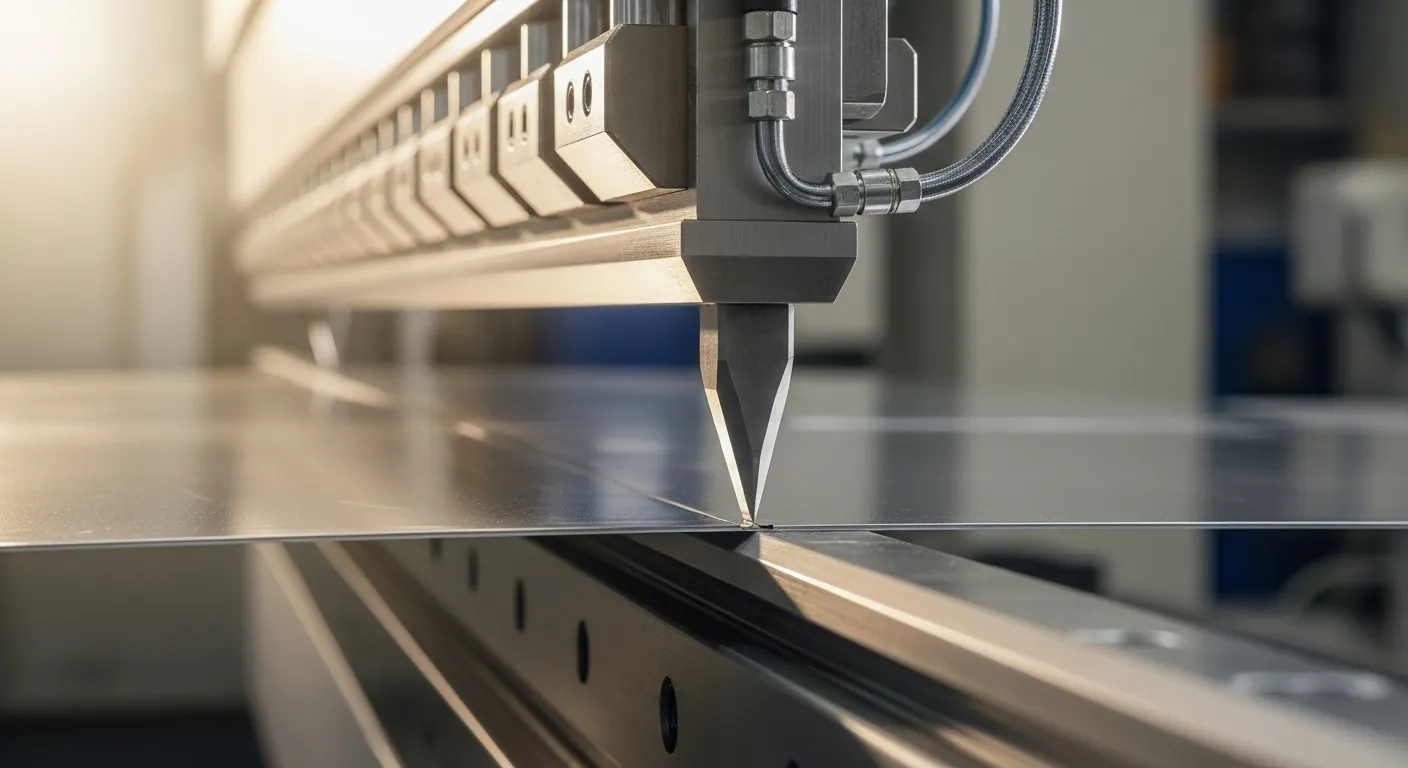
The ESA S630 is the ideal solution for metal fabrication shops focusing on high-precision custom parts and small-to-medium batch sizes where frequent tool changes are required. We recommend the S630 for shops transitioning from numerical-only controllers to graphical interfaces, as its 2D visualization significantly reduces operator error when handling complex flange sequences in materials like stainless steel.
High-Mix, Low-Volume (HMLV) Production
In our testing, the S630 excels when operators must switch between different geometries multiple times per shift. The internal tooling library allows for rapid profile selection, which we’ve found can cut "first-part" scrap by up to 30% compared to traditional NC systems.
Precision Stainless Steel Bending
For materials like 304 or 316 stainless steel, springback is a constant challenge. The S630’s built-in angle correction database allows us to input material-specific variables, ensuring that the Y1 and Y2 cylinders adjust in real-time for consistent angles across the entire length of the bed.
The "Day 1" ESA S630 Setup Checklist
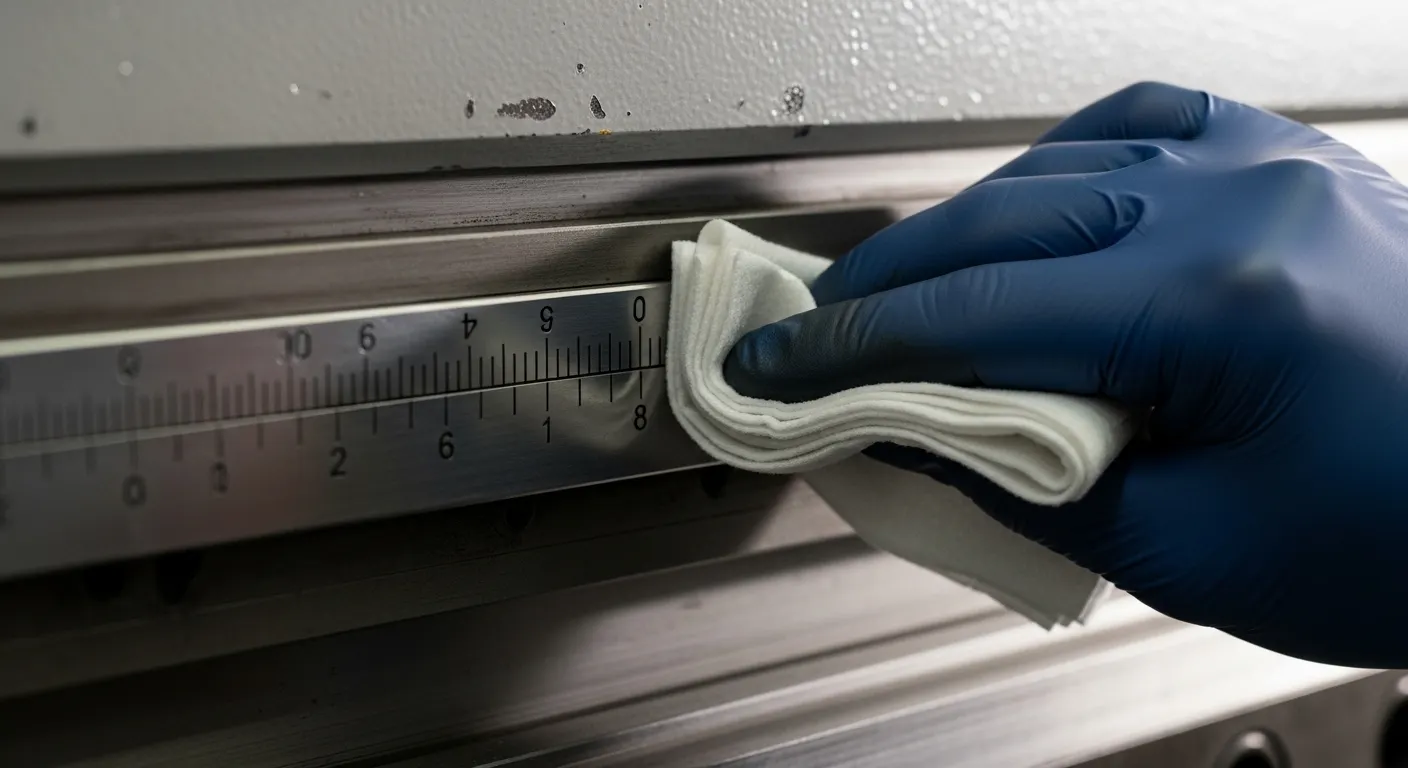
To properly set up the ESA S630, you must first complete the Ram Referencing Procedure to synchronize the Y1 and Y2 linear scales and establish the machine's zero-point. At JSRAGO, we follow a strict initialization protocol that includes backgauge axis calibration and crowning system verification to ensure the machine is "production-ready" within 15 minutes of power-on.
Essential Commissioning Steps
- Power & Visual Check: Ensure 24Vdc stability and check CANBUS cable seating to avoid "Axis Error" alarms.
- Ram Referencing: 1. Press the "Start" button on the HMI.2. Depress the down pedal to move the ram below the zero marks.3. Press the up pedal; the ram will ascend until it triggers the optic linear scale reference points.
- Backgauge Calibration: Verify X and R axis movement against physical stops.
- Tooling Library Import: Load your specific punch and die (.PUN/.DIE) files via the front-facing USB port.
- Crowning Zeroing: Calibrate the hydraulic compensation system to ensure the bed is perfectly parallel under load.
Troubleshooting Common S630 "Ghost" Errors
Most ESA S630 errors are related to synchronization issues or PLC communication timeouts, often resolvable by cycling the emergency stop or re-referencing the axes. Our technical team at JSRAGO has documented that "No Pressure" faults are frequently linked to the proportional valve parameters within the S630's diagnostic pages, rather than mechanical failure of the hydraulic pump.
- E21 OUT OF UDP: Usually a network or communication handshake failure. Check your Ethernet or USB connection.
- Angle Inconsistency: Re-check the "Crowning Coefficient" in the settings. Industry best practices show that a 5% adjustment here often fixes mid-bend bowing.
- Frozen Touch Screen: If the resistive screen becomes unresponsive, clean the edges of the bezel. Debris trapped between the frame and the screen can simulate a "constant touch."
Frequently Asked Questions
Crowning is a compensation method used to counteract the natural deflection of the press brake bed and ram under high tonnage. Systems like the ESA S630 manage this automatically by adjusting hydraulic cylinders or mechanical wedges to ensure the bending force is distributed evenly, preventing "canoeing" in long workpieces. You can learn more about this in our guide: What Is Press Brake Crowning and How Does It Work?
No, the ESA S630 is primarily a 2D graphical controller. For shops requiring 3D visualization or Direct DXF/STEP file imports, we typically recommend upgrading to the ESA S660W or S860 series, which feature Windows-based environments. You can view more details on advanced options here: Press Brake with ESA S660W Controller: Programming and Production Tips
The S630 features a "Version Saving" page. When saving to a USB drive, you can select specific formats (e.g., Version 14.0) to ensure programs are backward compatible with older Esautomotion CNC units in your fleet. For more on the workflow, see our ESA Controller on Sheet Metal Bending Machines: Features and Workflow guide.
Yes, the S630’s open PLC architecture allows it to manage both traditional hydraulic valves and modern servo-drive systems used in all-electric or hybrid press brakes.