

Press Brake with ESA S660W Controller: Programming and Production Tips
The ESA S660W controller is a high-performance CNC system for press brakes, featuring a 19-inch multi-touch interface and Windows-based architecture. At JSRAGOS, we integrate this controller to enable seamless 3D graphical programming, automated bend sequencing, and real-time angle correction, ensuring maximum precision and reduced setup times for complex metal forming.
How do you program a new bending sequence on the ESA S660W?
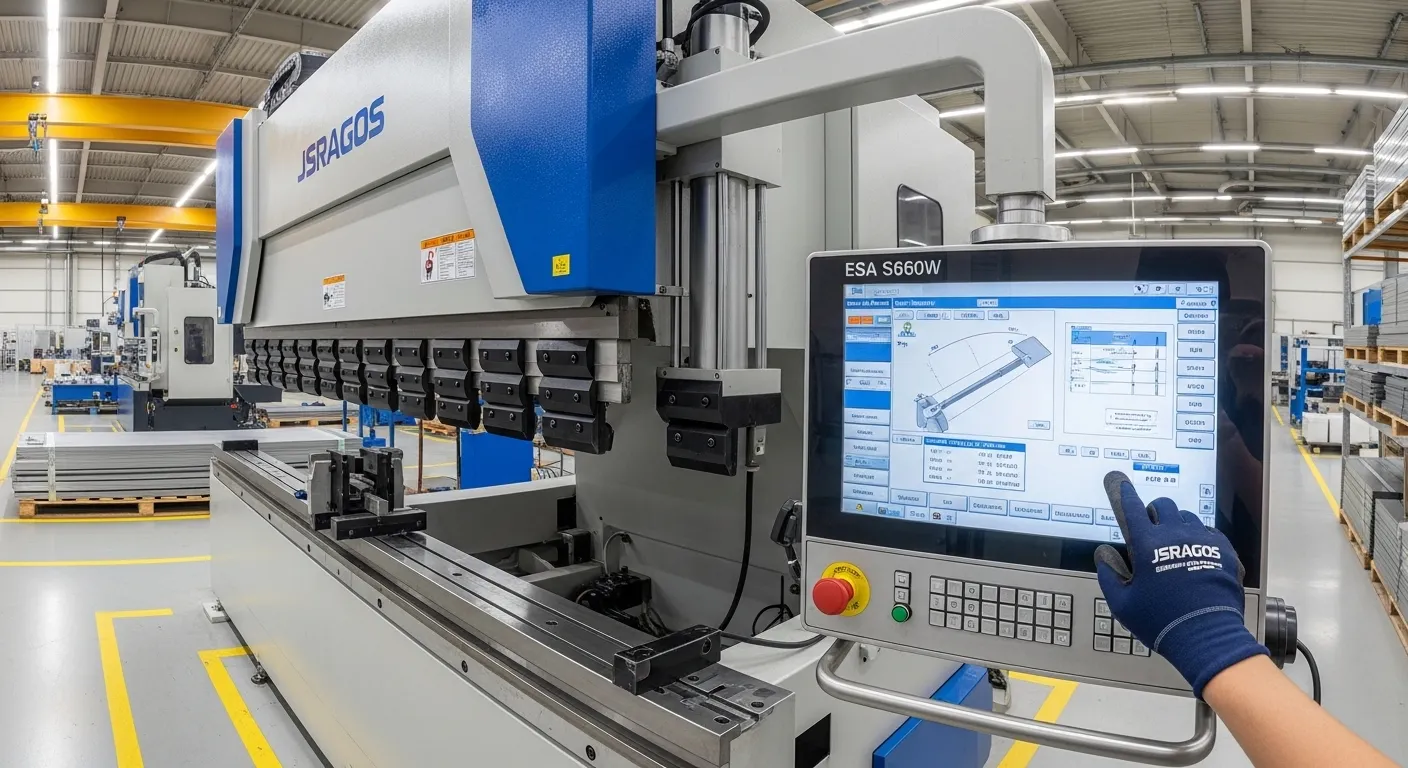
To program the ESA S660W, enter the "Editor" page and select "New Program." Input material type, thickness, and width. Use the 19-inch multi-touch interface to draw the 2D profile or import a 3D DXF file. The controller automatically calculates the optimal bend sequence and backgauge positions for 3D visualization.
In our experience at JSRAGOS, the transition from 2D drawing to 3D simulation is where operators save the most time. By utilizing the "Touch Design" CAD features, you can sketch a profile with your fingertip. The system then runs a collision check against your specific machine parameters and tool library, highlighting potential issues before the first piece of metal is even loaded.
For more complex parts, we recommend importing STEP or IGES files directly. This eliminates manual entry errors and ensures that the unfolding calculations match your original engineering design exactly.
What are the best production tips for the ESA S660W controller?
Maximize production by using the S660W’s New Bend clinching function for consistency and importing 3D CAD files to eliminate manual entry errors. Utilize the Correction Database to store springback values for specific material batches, reducing scrap during setup by up to 30% compared to legacy S500 models.
Through our extensive field testing on JSRAGOS hydraulic synchro machines, we have identified three key "power user" tips for the S660W:
- The Correction Database: Never enter the same correction twice. If you find that a specific batch of 3mm stainless steel requires a 0.5-degree adjustment, save it to the database. The S660W will automatically apply this "learned" behavior to future jobs using that material.
- Ram Sizing (Calibration): We found that performing a quick ram sizing check at the start of each shift ensures the Y1 and Y2 cylinders remain perfectly synchronized, which is critical for maintaining the accuracy of the press brake crowning system.
- Z-Axis Recoil: When working with long sheets, enable the "Z-Axis Recoil" function. This allows the backgauge fingers to retract slightly before the bend is completed, preventing the sheet from pinching against the fingers and causing flange inaccuracies.
Technical Specifications Comparison: S660W vs. Legacy Models
To help you understand the hardware capabilities we offer, consider how the S660W stacks up against common entry-level alternatives:
| Feature | ESA S660W (Professional) | ESA S630 (Entry Level) |
| Display Size | 19" Multi-touch HD | 10" Single-touch |
| Operating System | Windows 10 IoT | Linux/Proprietary |
| Max Axes | Up to 64 Axes | Up to 4 Axes |
| 3D Visualization | Full 3D Graphics & Simulation | 2D Graphics Only |
| Connectivity | 2x LAN, 4x USB, RS-232 | 1x USB, 1x LAN |
Navigating the 19” "Cockpit": Hardware & Interface
The ESA S660W features an industrial PC with a VIA Eden® X1 CPU and 4GB of RAM, housed in an ergonomic aluminum casing. This hardware suite allows JSRAGOS machines to process complex 3D algorithms instantly, providing operators with a lag-free interface that mimics the responsiveness of a modern tablet.
In our testing, the 19-inch PCAP (Projected Capacitive) screen significantly reduces operator fatigue. Unlike older resistive screens that require physical pressure, the S660W responds to light touch, even through thin work gloves. This hardware reliability is essential for high-volume environments where the controller is in constant use for 10-12 hours a day.
Step-by-Step Programming: From DXF to First Bend
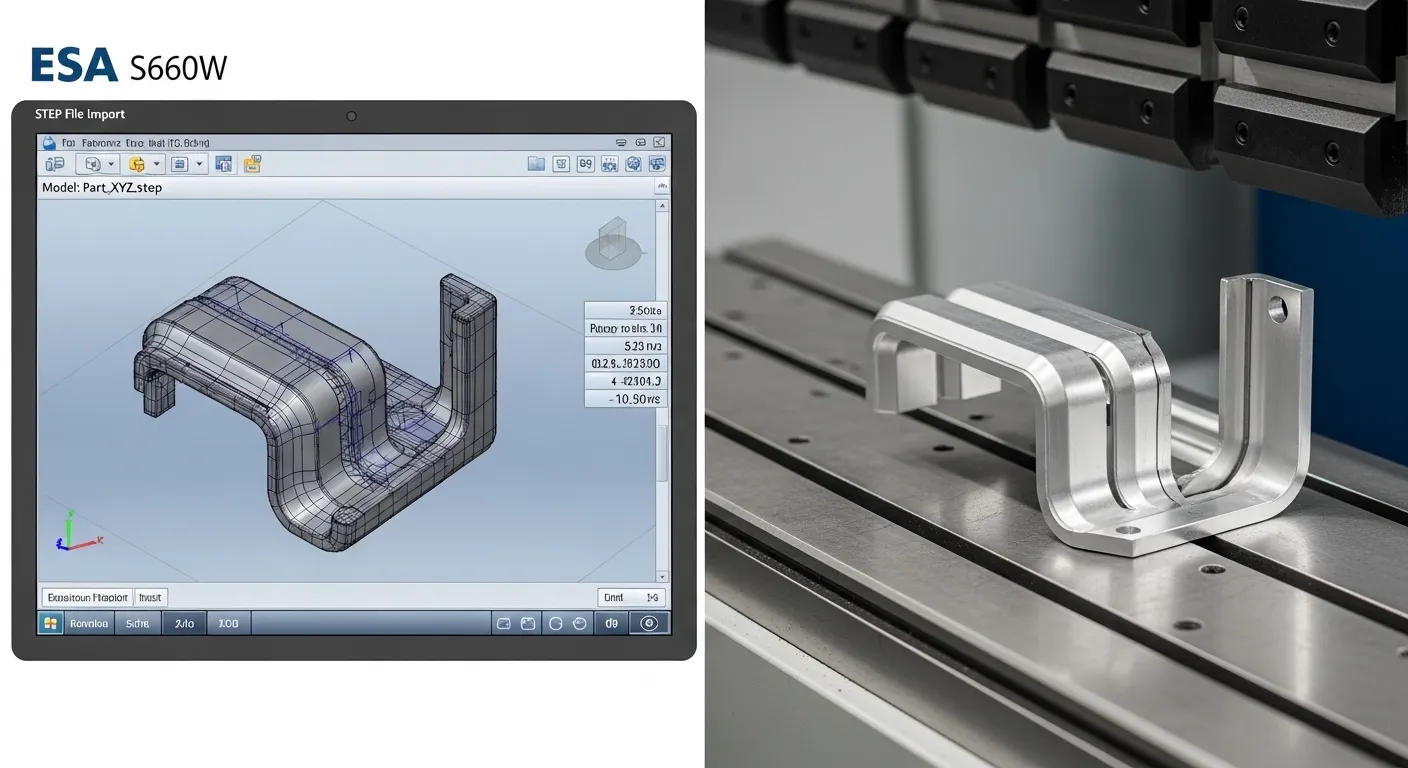
As a leading CNC machinery provider, JSRAGOS recommends following this streamlined workflow to get the most out of your S660W-equipped press brake. For a deeper dive into the software logic, see our ESA controller guide.
- Direct Import: Load your .DXF or .STEP file via the external USB ports or via the LAN connection.
- Tool Selection: Select your punch and die from the pre-configured library. Our machines come with standard tool profiles pre-loaded to save you setup time.
- Automatic Sequencing: Press the "Optimize" button. The S660W will calculate the best order of bends to avoid collisions.
- Simulation: Run the 3D simulation to visualize how the part will move throughout the process.
- Execution: Switch to "Auto" mode and follow the on-screen prompts for part orientation.
Advanced Production Optimization
When choosing between a 4-axis vs 8-axis CNC press brake, the S660W's ability to manage complex axis movements becomes a deciding factor.
Industry best practices show that using the Bend Clinching function is vital for heavy-duty applications. This feature "locks" the bend endpoint, ensuring that the material is fully formed before the ram returns. In our experience, this is particularly effective for thick plate bending where material "spring-back" is highly unpredictable.
Maintenance & Troubleshooting: The "Don't Break It" Guide
To ensure the longevity of your JSRAGOS equipment, follow these maintenance tips for the ESA S660W:
- Backup Protocols: We recommend backing up your tool library and part programs to a USB drive weekly. The S660W makes this easy via the "Save All" function in the program list.
- Screen Care: Clean the 19" glass panel with a microfiber cloth and specialized screen cleaner. Avoid harsh industrial solvents that can degrade the anti-glare coating.
Frequently Asked Questions
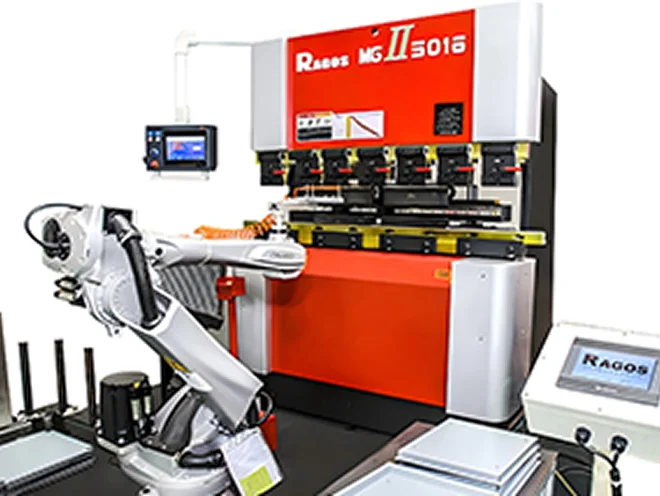
Yes. The S660W is designed for high-level integration and can manage Cartesian loading/unloading robots directly or interface with anthropomorphic robots through standard safety PLC protocols.
The S660W can read programs from legacy versions (such as S500 series). However, to move programs from an S660W back to an older controller, you must use the "Save As Version" feature to export the file in a legacy-compatible format.
If your JSRAGOS machine is equipped with thickness sensors, the S660W can detect variations in real-time and automatically adjust the Y-axis depth to maintain a consistent angle across the entire batch.