

Press Brake with Cybelec CT15 Controller: What to Expect in Daily Use
The Cybelec CT15 (CybTouch 15 PS) is a high-performance 2D graphical CNC controller designed to streamline complex bending sequences through an intuitive, 15-inch touchscreen interface. In daily operation, it transforms technical calculations into a visual workflow, allowing operators to move from a flat drawing to a finished part in minutes.
What you will control with the CT15:
- 2D Part Profiling: Draw parts directly on the screen with your finger.
- Automatic Sequencing: The controller calculates the best bend order and gauge positions.
- Angle Corrections: Real-time adjustments for material springback and thickness variations.
- Multi-Axis Management: Precision control over Y1, Y2, and up to four additional backgauge axes.
The Hardware: A 15-Inch Command Center
The most immediate change for operators moving to the CT15 is the expansive 15-inch capacitive glass touchscreen. Unlike older resistive screens that require firm pressure, the CT15 is highly responsive and designed for industrial environments.
The horizontal "laptop-style" layout provides a wide field of view, which is essential when monitoring 6-axis movements. The 1024x768 resolution ensures that even complex 2D profiles are crisp, reducing eye strain during long shifts. Notably, the screen is engineered for glove compatibility, though performance is best with modern industrial touch-sensitive gloves.
Common mistakes to avoid:
- Screen Abuse: Using pens, screwdrivers, or sharp metal fragments to touch the screen; the capacitive glass is durable but can be scratched by hardened tool steel.
- Poor Positioning: Failing to adjust the pendant arm height, which can lead to glare from overhead workshop lights.
Programming Modes: Graphical vs. Numerical
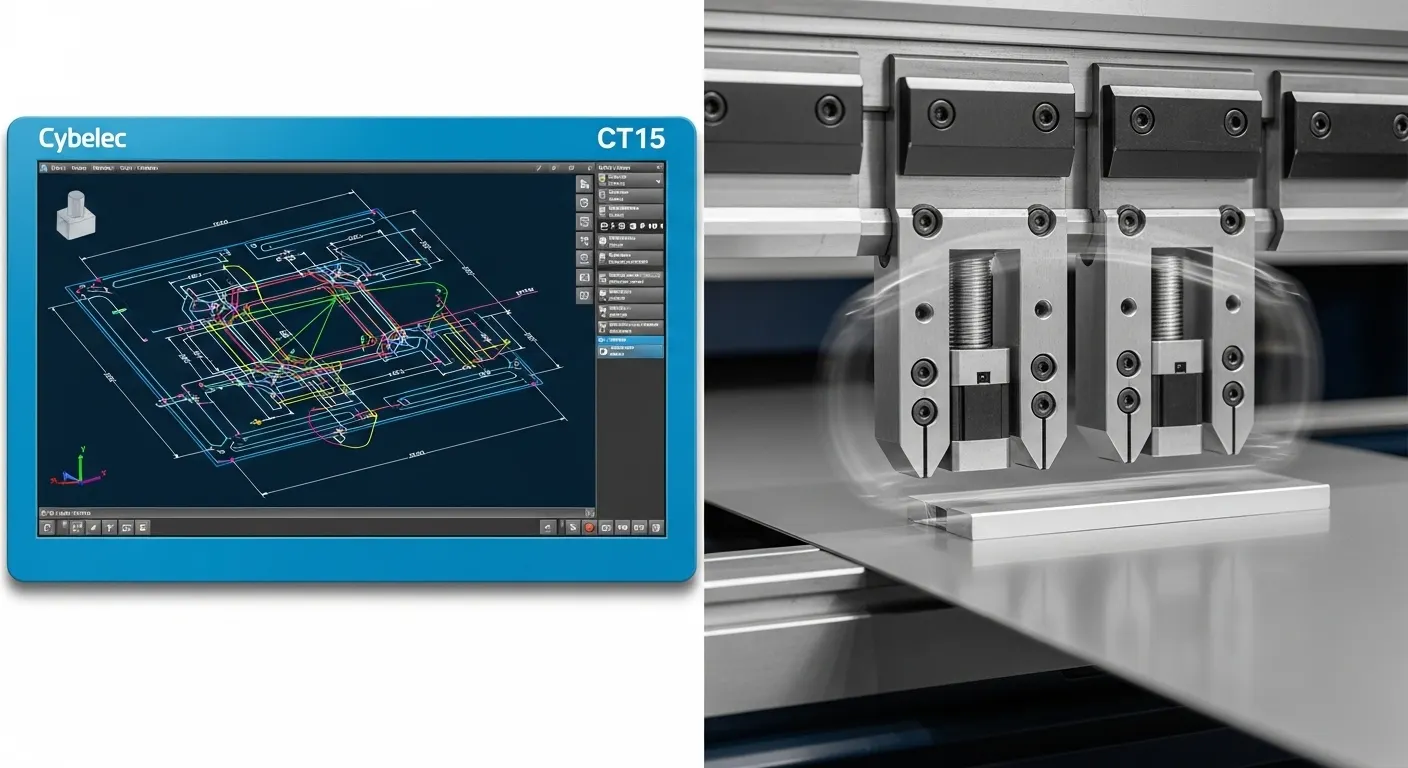
The Cybelec CT15 offers two distinct ways to interact with your press brake, catering to both complex production runs and quick "one-off" repairs.
Touch Profile (2D Graphical Programming)
This is the heart of the CT15 experience. Instead of calculating X and Y coordinates manually, you draw the segment lengths and angles directly on the screen. The software automatically calculates the developed length and detects potential collisions with the tools or the machine frame.
EasyBend for One-Off Jobs
For simple 90-degree bends or single-flange parts, the EasyBend page acts like a "quick calculator." You simply input the material thickness, the desired angle, and the backgauge position. This mode is ideal for workshop maintenance tasks where creating a full program would be a waste of time.
Daily Calibration: Handling the "91-Degree" Problem
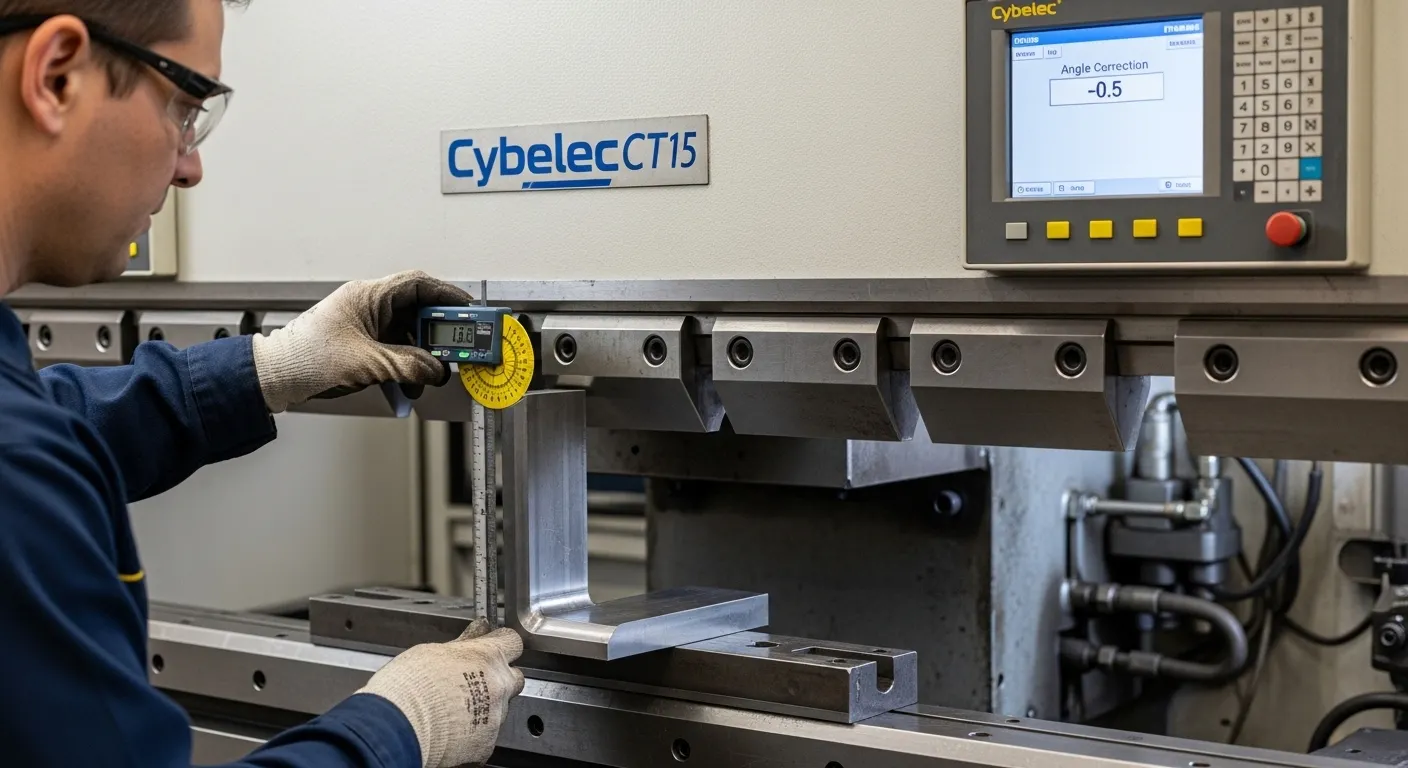
In the real world, material properties like tensile strength and grain direction cause "springback." If you program a 90-degree bend but the part comes out at 91.5 degrees, the CT15 makes the correction process seamless.
Steps to correct the angle:
- Measure the actual angle of the test piece using a protractor.
- Navigate to the Angle Correction page on the CT15.
- Enter the measured value (e.g., 91.5°) into the controller.
- The CT15 automatically recalculates the Y-axis depth for all subsequent hits.
For those considering other high-end interface options, you may want to compare this workflow with the ESA Controller on Sheet Metal Bending Machines: Features and Workflow, which offers a different approach to 2D/3D visualization.
Cybelec CT15 vs. CT12: Is the Upgrade Worth It?
While the CybTouch 12 is a capable unit, the CT15 is built on a Windows 10 platform, providing a more robust foundation for Industry 4.0 integration. The primary difference is the screen real estate; the 15-inch display allows for larger touch targets and a side-by-side view of the bending sequence and the backgauge position.
Additionally, the CT15 supports more axes (up to 6), making it the better choice for machines equipped with R-axis (height), Z1/Z2 (lateral movement), or crowning systems. Operators often report a significant reduction in programming time (needs verification) when switching to the CT15 due to the faster processor and larger interface.
If your production requirements are slightly less complex, the ESA S630 Press Brake: Best Fit Applications and Setup Checklist provides a great alternative for mid-range precision.
Connectivity & Industry 4.0
The CT15 is designed to be part of a connected factory. It features USB 3.1 ports for program backups and RFlink for wireless data transfer. This allows engineers to create programs in the office using PC-ModEva offline software and send them directly to the machine, minimizing downtime.
Common mistakes to avoid:
- Data Loss: Relying solely on the internal memory. Always keep a weekly backup on a dedicated USB drive.
- Firmware Mismatch: Attempting to load programs from older Cybelec versions without verifying tool compatibility in the new profile.
For a deeper dive into Windows-based controller performance, see our guide on the Press Brake with ESA S660W Controller: Programming and Production Tips.
FAQ: Common Operator Questions
The CT15 features a larger 15-inch screen, a Windows 10-based operating system, and support for up to 6 axes, whereas the CT12 is smaller and typically limited to 4 axes.
Yes, the capacitive glass screen is designed to work with most modern industrial gloves, though high-precision drawing is easier with touch-compatible fingertips.
The internal memory can store thousands of programs, and the USB port allows for virtually unlimited external storage and easy transfer between machines.
Yes, the CT15 can manage hydraulic or motorized crowning systems to ensure a consistent angle across the entire length of the workpiece.
EasyBend is a simplified interface page that allows for immediate bending without creating a full part program, ideal for quick, single-step tasks.
The CT15 is primarily a 2D graphical controller. It visualizes the bend in 2D and calculates sequences, but for full 3D simulation, higher-end models like the VisiPac are required.
Conclusion
The Cybelec CT15 controller bridges the gap between complex engineering and shop-floor practicality. Its 15-inch touchscreen and 2D graphical workflow significantly reduce the "math-heavy" aspects of bending, allowing operators to focus on part quality and throughput.